TaskGrid Hub · An owner's console for local service businesses
The whole business, on one desk.
Inquiries come in. Someone answers fast. Jobs get won, reviews get asked for, and the numbers say where the work came from. Hub is the desk where all of it happens.

The desk problem
Most service businesses run across five tools and one memory. The inquiry sits in an inbox. The estimate lives in a text thread. Nobody remembers to ask the happy customer for a review, and nobody can say which ad, page, or referral actually paid for itself. None of that is a skills problem. It's a desk problem.
and the next one finds you

6:58 a.m.
The door opens first.
The morning digest
Three numbers before your coffee: visits this week, leads this month, and how many became work. A seven-day trend, the latest inquiries, and everything that happened since you last looked.
Visits, last 7 days
0
Leads this month
0
Conversion
0%
Latest — new inquiry from the contact form · estimate sent · review link clicked
Nobody waits twice
Every open lead in one queue, sorted by who has been waiting longest — first touch and follow-up kept separate so nothing slips. Hub drafts the follow-up for you: short, warm, ready to send by text or email. It only drafts. Nothing sends until you have read it.
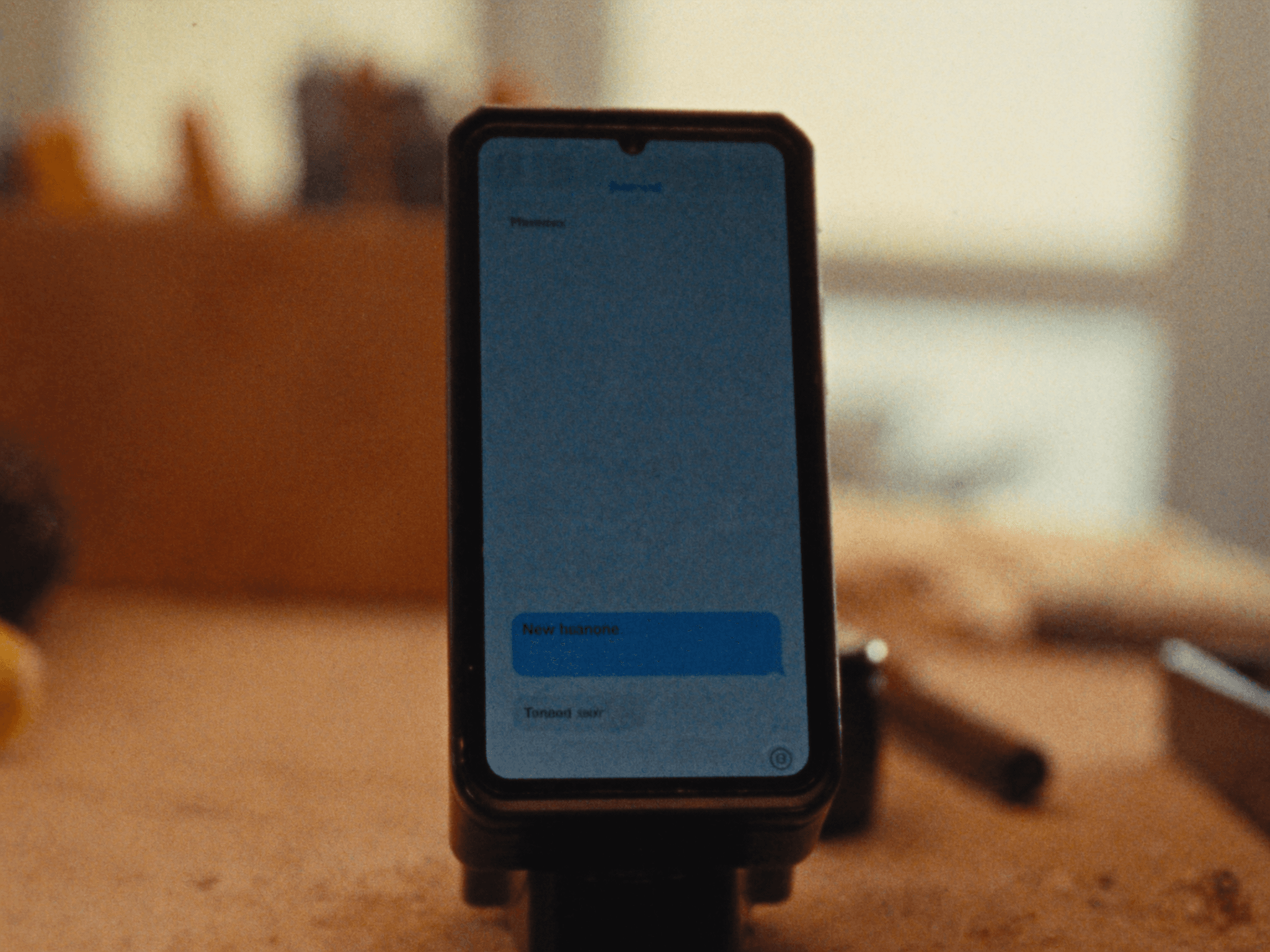
Drafted for you · nothing sends until you read it
“Hi M., thanks for reaching out about the fence repair. We could come by Thursday morning for a look, does that work?”

11:24 a.m.
The follow-up, out loud.
It drafts. You decide. Nothing sends without your eyes on it.
The review engine
Mark a job complete and Hub schedules the ask — a text, on your template, after a delay you choose. Every link is tracked, so you know exactly who clicked through to Google. Requests, clicks, click-through rate: in plain sight.
Thanks for choosing us, Sarah. If we did right by you, a quick Google review means the world.
Sends 4 hours after completion · your words, your template
Requests
48
Clicks
19
CTR
40%
Effort, tied to money
Won revenue sits next to estimated value from your own job pricing, so you can see what the pipeline is actually worth. Search Console feeds in clicks, impressions, position, and your top queries — beside your Google rating and review count.


2:36 p.m.
The work the desk protects.
Where the work comes from
Every lead traced to its channel — search, ads, social, referral, direct — each paired with the revenue it produced. Loud is not the same as profitable.
Your own analytics
A one-line snippet reports page views straight to Hub, with no third-party trackers — weekly trends, top pages, conversion rate, and where each visitor came from.
Your own snippet, your own numbers. No third-party trackers.
No demo numbers. No silent fallbacks. Real data, or an honest blank.

7:12 p.m.
Job done. Day closed.

How it runs
Two roles
Admins run the desk. Viewers see everything and can change nothing — settings appear locked, with a note saying why.
Team by invite
An admin types an email, the invite goes out, and a pending invite can be re-sent if it never landed.
Ten-minute setup
One onboarding pass — business, job values, Google profile — and the dashboard unlocks. Done once, by the first admin.
Under the hood
Clerk for accounts · Resend for email · OpenAI for drafting · Web Push for alerts · Twilio for texts (bring your keys) · Google Search Console for SEO (bring your keys) · a one-line snippet for first-party analytics.
We run our business on it. We'll shape it to yours.
Hub started as our own console. Same backbone, tailored to how your work actually moves.